Why you need a VPN at home


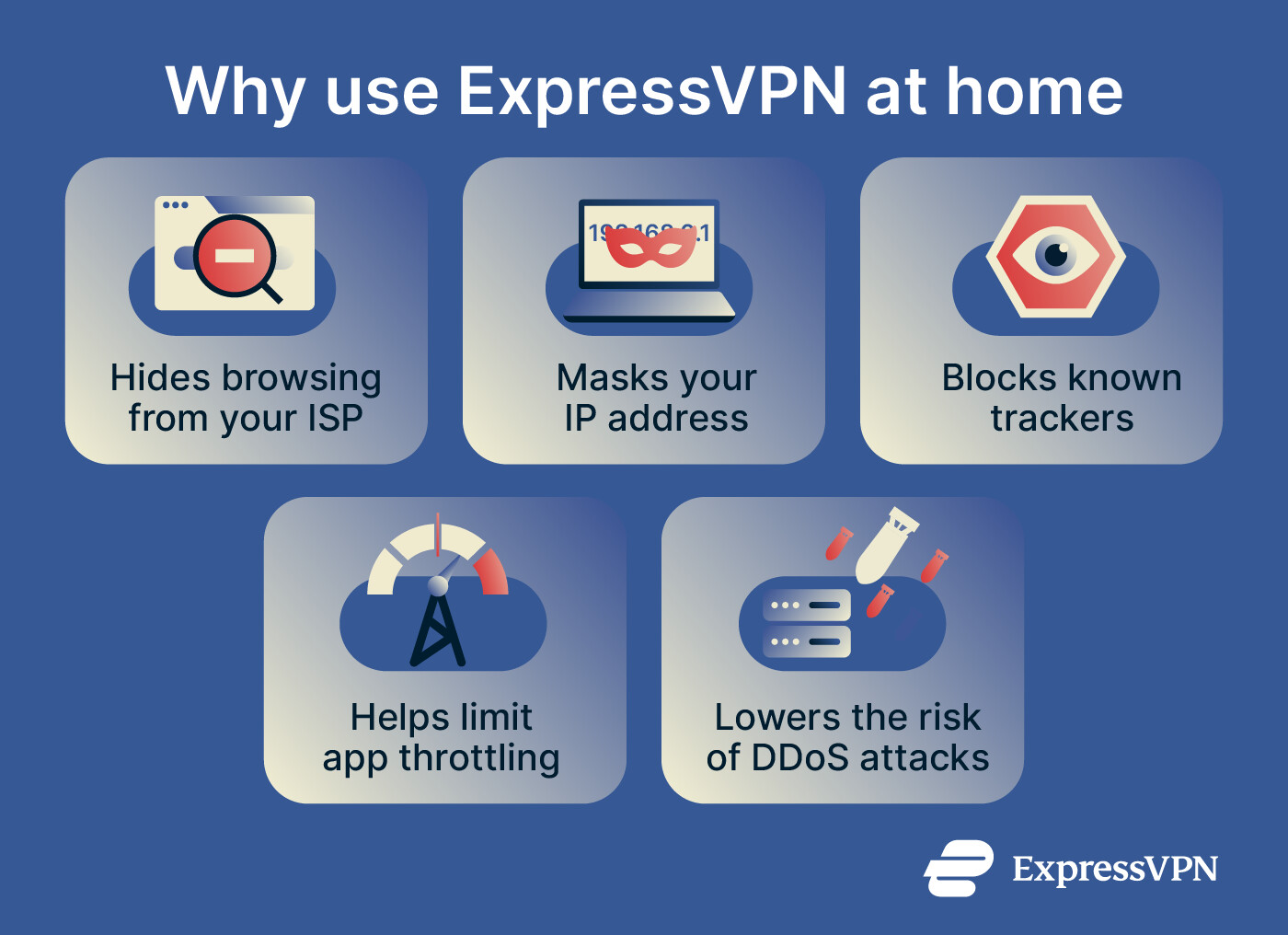
A VPN at home helps keep your online activity private from your internet service provider (ISP) and hides your home IP address from the websites and apps you use. It can also help if your ISP slows down certain types of traffic or if someone tries to target your connection while you play online games.
ExpressVPN encrypts your connection and routes it through our servers. You can use it on individual devices or set it up on a router to cover your whole home network.
Keep your browsing private from your ISP
Everything your devices do online at home passes through your ISP’s network. Website encryption (HTTPS) protects the contents of the pages you visit, including what you type into login forms, but it doesn’t hide which sites you visit. Before your device connects to a site, it looks up the site’s address through the Domain Name System (DNS). By default, these lookups go to your ISP’s DNS servers, and the site’s name can also appear in connection details your ISP can see.
At home, your ISP handles this traffic for every device and every person on your connection, so over time it can build a detailed picture of your household. A 2021 Federal Trade Commission (FTC) study of six major U.S. ISPs found that some used browsing and app usage data to target ads, and many placed customers into ad segments based on sensitive traits such as race, sexual orientation, and economic status.
The same applies on shared Wi-Fi, such as in a dormitory or an apartment building, where the network operator may be able to see which sites you visit.
With ExpressVPN connected, your ISP and the network operator see only encrypted traffic. ExpressVPN also runs private DNS on every server, so your lookups stay inside the encrypted connection instead of going to your ISP.
Using a VPN means trusting the VPN provider with your traffic instead. ExpressVPN doesn’t keep activity or connection logs, and our no-logs policy has been assessed in independent audits. The way our servers are built also limits what could be stored on them. With TrustedServer technology, they run on RAM only and never write to a hard drive, so all data is wiped every time a server restarts.
Hide your home IP address from websites and trackers
Every website and app you use can see the public IP address your connection comes from. At home, your devices usually share one public IP address, which can reveal your general area. That makes your home IP address one more way to link your activity across different sites to your household.
With ExpressVPN connected, websites and apps see the IP address of our server instead, so your home IP address can’t be used to estimate your location or tie your activity to your household.
Your IP address isn’t the only way to identify you, though. Cookies, browser fingerprinting, and signing into an account can still let a service recognize you.
To limit tracking beyond your IP address, you can turn on Block trackers. It stops apps and websites on your device from connecting to known tracker domains on our blocklists, which we update every week, so those trackers receive less information about your activity. It works only while you’re connected to the VPN and blocks only the trackers on those lists, so it can’t stop every form of tracking.
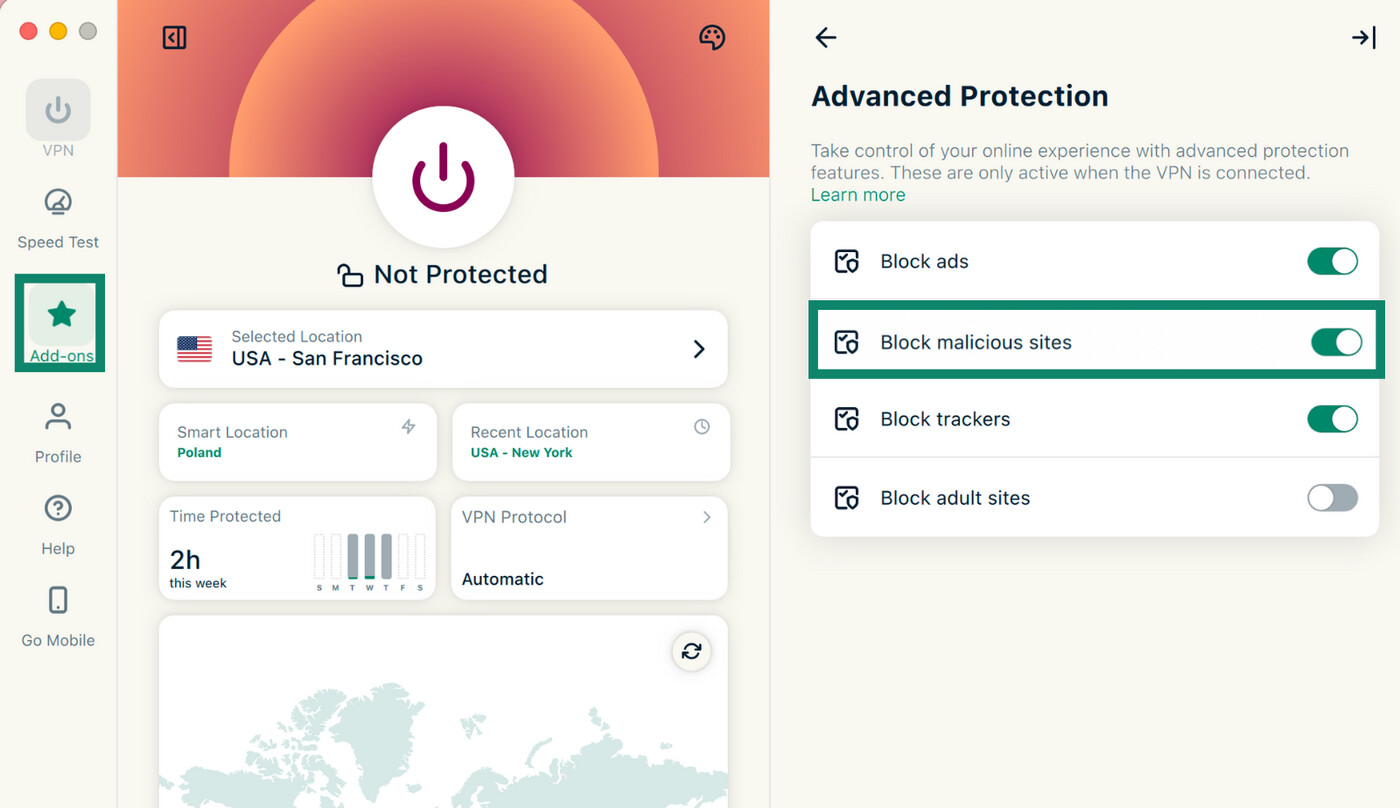
The ExpressVPN app also has a built-in ad and malicious site blocker, available on every plan. It does a different job from the VPN: it stops known ads and phishing sites from loading, while the VPN hides your IP address and encrypts your traffic.
Reduce slowdowns if your ISP throttles specific apps
Some ISPs deliberately slow down certain types of traffic, such as video calls, online gaming, or large downloads, while leaving lighter activity like browsing unaffected. This is called content-based throttling. Because ExpressVPN encrypts your traffic, your ISP can’t see which apps you’re using, so a VPN may help improve speeds if your ISP throttles specific types of activity.
A VPN can’t fix every slowdown, though. It won’t prevent slowdowns caused by data caps, general network congestion, or throttling that applies to all your traffic.
To check whether ExpressVPN makes a difference, use a speed test website or app to measure your connection with the VPN off and then on, using the same device and test around the same time of day. A noticeably faster result with ExpressVPN on suggests your ISP may be throttling your traffic, though other factors, such as the route your traffic takes, can also affect speeds.
Once you’re connected, you can also use the app’s built-in speed test to check the speed of the server you’re using.
Make your home IP address harder to target while gaming
In online games, a player who discovers another player’s IP address can use it to launch a distributed denial-of-service (DDoS) attack, flooding the target’s connection with traffic from many sources. Because this kind of attack aims to use up the connection’s available bandwidth, it can interrupt internet access for every device on the home network.
With ExpressVPN for gaming, anyone trying to find your IP address sees our server’s IP address instead of your home IP address. This makes your home connection harder to identify and target.
Most gaming platforms and publishers allow VPN use as long as it isn’t used to break their rules. Terms vary between games and platforms, though, so it’s worth checking them for the ones you play.
How to use ExpressVPN on every device at home
To use ExpressVPN at home, you’ll need an ExpressVPN subscription. With it, you can install the app on each device you use, with up to 10 devices connected at the same time on the Basic plan, 12 on Advanced, or 14 on Express Pro.
Here’s how to use it:
-
Download and install the ExpressVPN app for your device.
![Google Play Store, showing an installed ExpressVPN app.]()
-
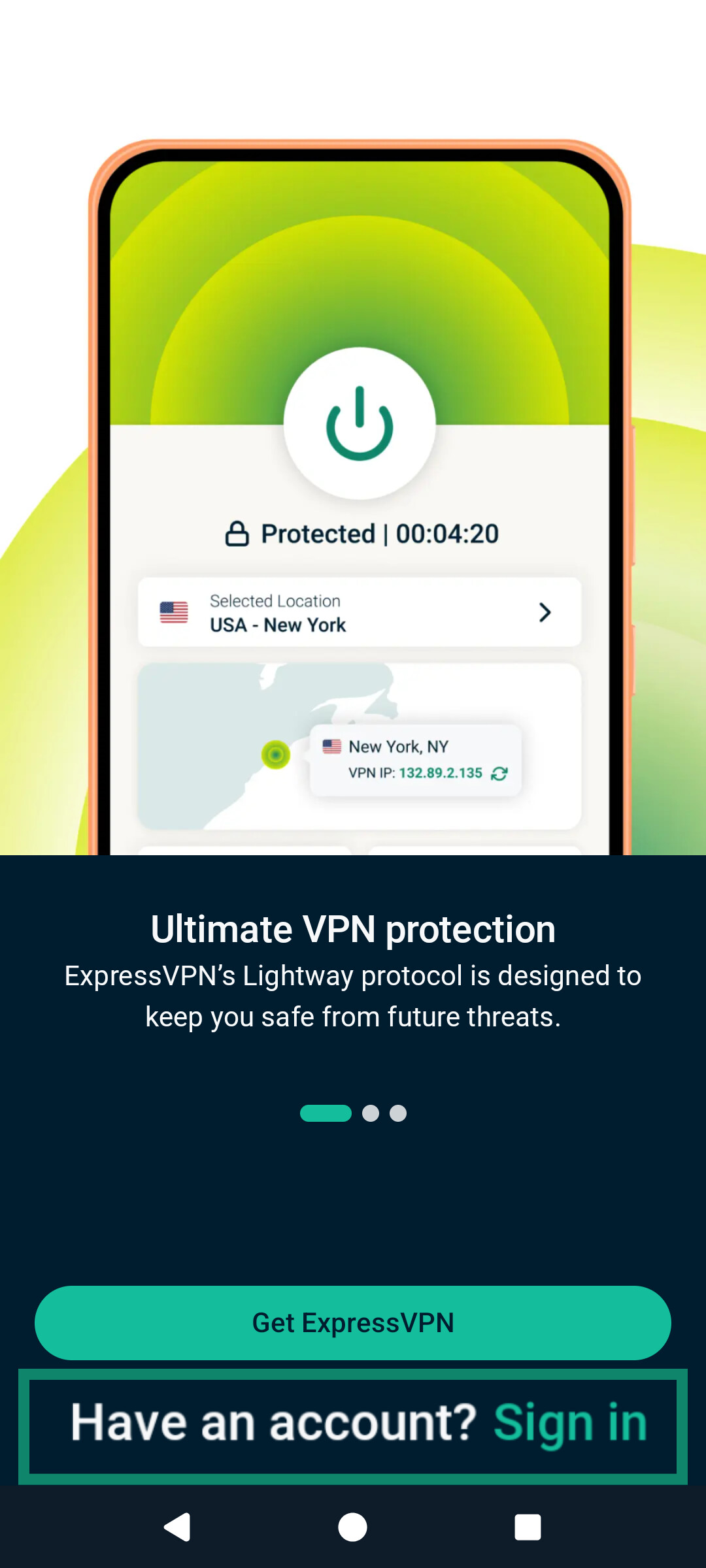
Open the app and sign in with your ExpressVPN account.
![ExpressVPN app sign-in page, highlighting the option to sign in.]()
-
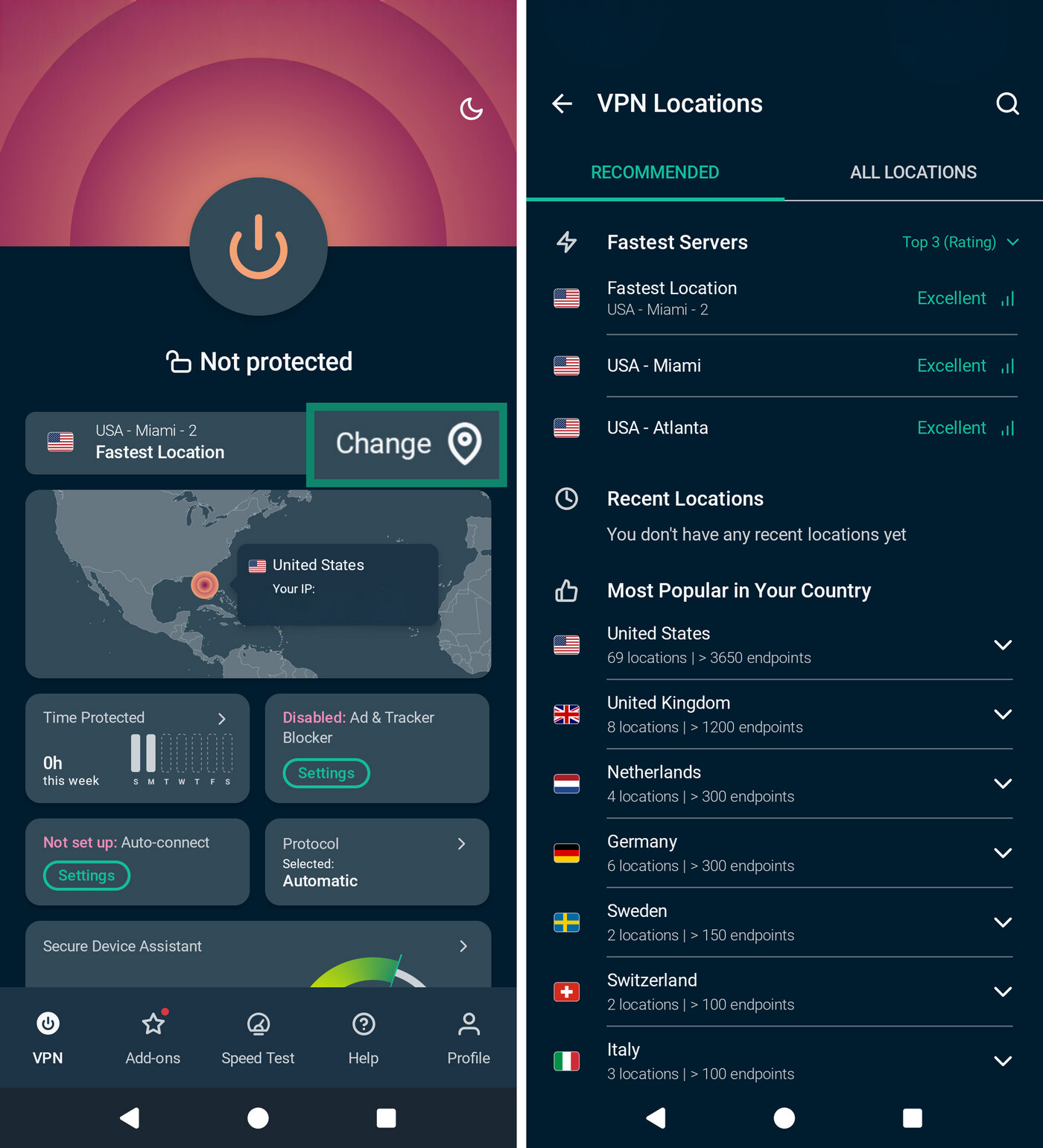
Connect to the location ExpressVPN suggests, or choose a different one from the location list by tapping the Change button.
![The ExpressVPN home page, highlighting the Change server option, followed by an image displaying server selection options.]()
-
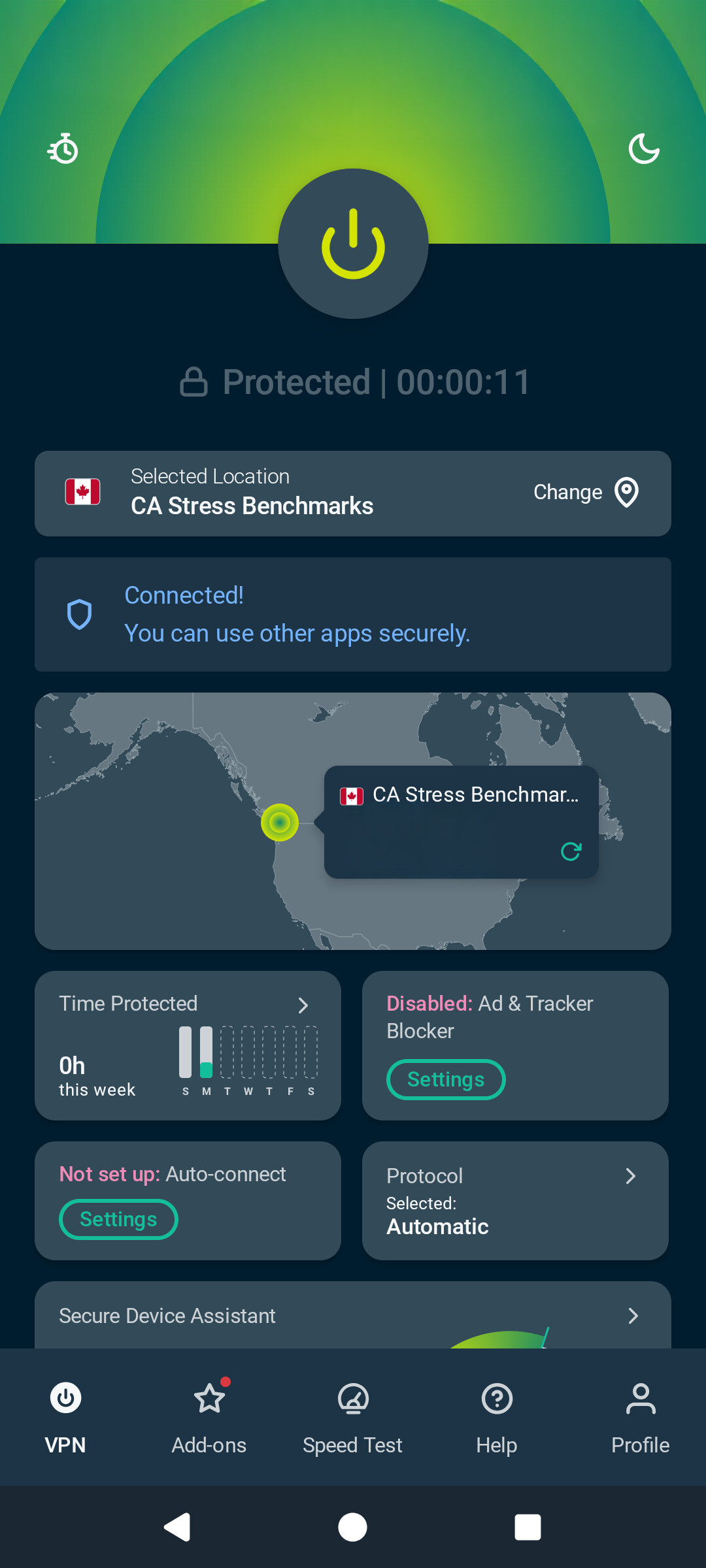
Your UI will turn green, indicating the VPN is on. To confirm the VPN is working, open our IP address checker after connecting. It should show the ExpressVPN server’s IP address instead of your home IP address.
![ExpressVPN, showing the green UI to indicate the connection.]()
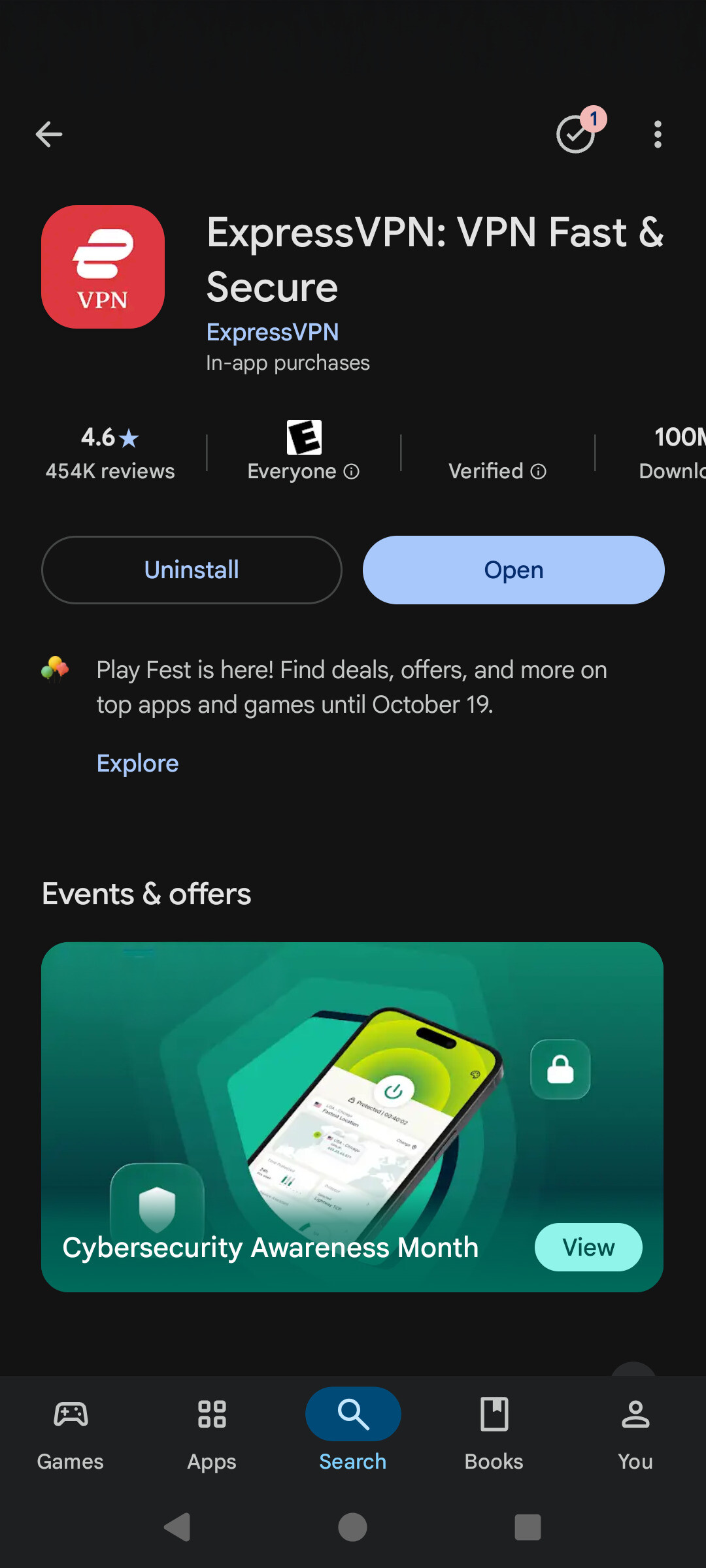
For detailed steps, see the setup guide for your device:
Another option is to install ExpressVPN on a compatible router, which covers everything connected to your home Wi-Fi, including devices that can’t run a VPN app, like smart TVs, streaming boxes, game consoles, smart speakers, and security cameras. We also offer the Fortify router, which comes with ExpressVPN built in.
Keep your home browsing private
ExpressVPN keeps the sites you visit private from your ISP and replaces your home IP address with one of ours on every device you connect.
Try it risk-free with a 30-day money-back guarantee for new users.